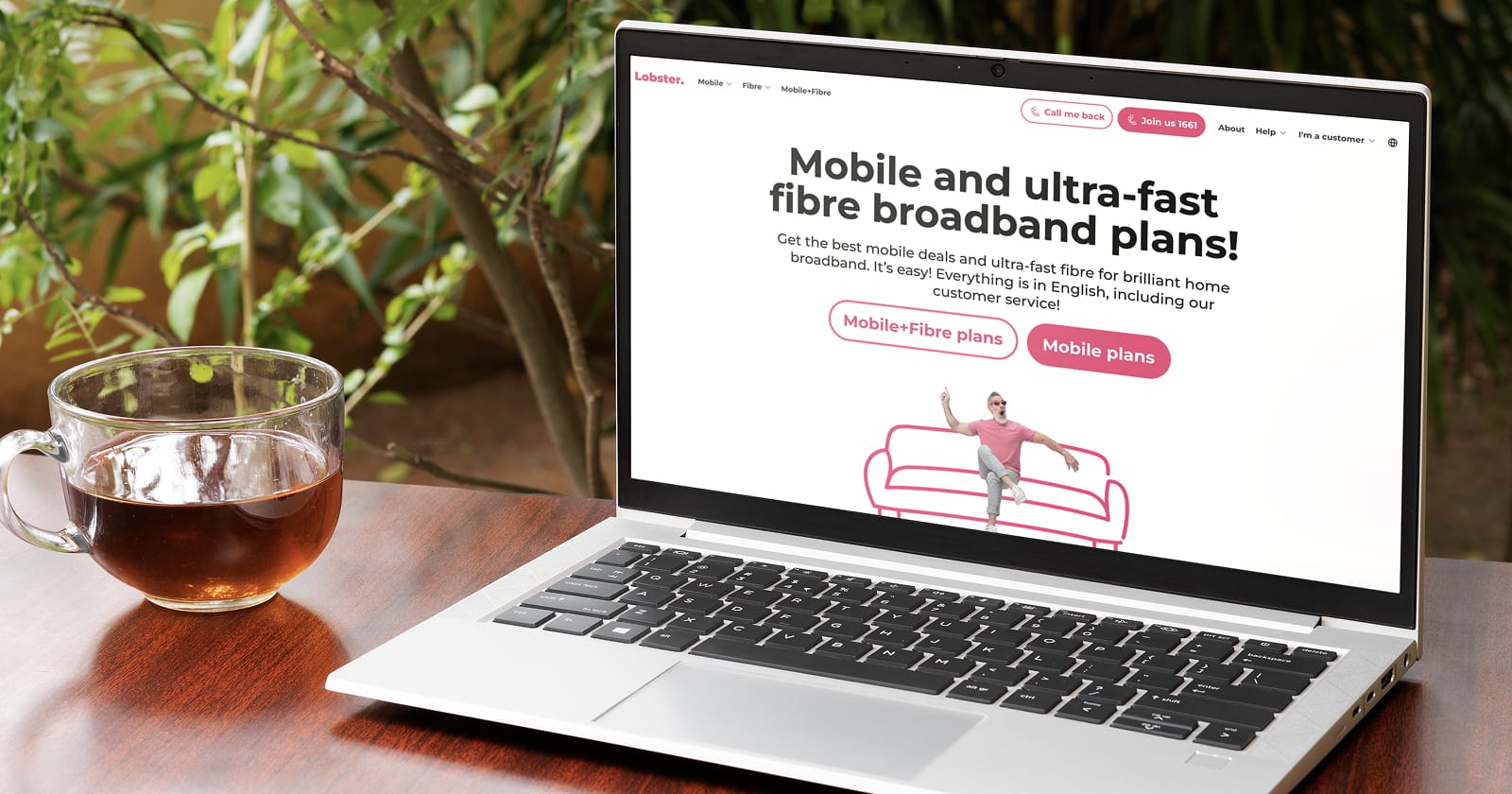
This guide takes you through the whole process of signing up with Lobster, the all-in-English mobile & fibre provider. We explain, step by step, how to order and activate a Lobster SIM. We also tell you what you need to do if you’re bringing an existing Spanish mobile number with you.
Index
- What you need to join Lobster
- Choose your Lobster plan
- Lobster sign-up process
- New number or portability?
- Provide your personal details and address
- Payment
- Verify your identity
- Receiving and activating your new Lobster SIM
- Check your new Lobster SIM is working
- Ask for help in English if you need it
What you need to join Lobster
Tick off the checklist before you start:
- Your mobile phone needs to be unlocked
- Valid photo ID (e.g., passport or national ID card)
- E-mail address
- Credit or debit card (doesn’t have to be Spanish)
- Address for delivery of your Lobster SIM
First things first: Choose your Lobster mobile plan
The first thing you need to do is to decide which of Lobster’s mobile plans suits you best. Check out each plan’s calls plus data bundle and the price. What most varies among Lobster’s plans are the data allowances, as calls and SMS are unlimited in all cases. The only difference in terms of calls is that the Just Spain plan includes unlimited calls only in Spain, whereas all other plans include unlimited calls and texts in Spain, and also to the UK, USA, Germany, France and loads of other countries (check out the list of countries with international calls included). Once you’ve picked your plan, you can begin the Lobster SIM sign-up process.
Step 1: A new mobile number or bringing your current one with you
Once you’ve chosen your plan, you can select a physical SIM or an eSIM during checkout. A physical SIM is delivered to your address; an eSIM is installed digitally, so there’s no card to wait for in the post. Your phone needs to be unlocked whichever option you choose. For eSIM, check that your specific phone model is compatible before placing your order.
At this point you need to specify whether you want a new Spanish number or prefer to transfer your current Spanish number, a process known as portability.
You can’t transfer a mobile number from another country (such as the UK, Germany or the USA) to a Spanish mobile plan. If you’d like to keep using your number from back home, you have three options:
- Your mobile can carry two physical SIM cards: use your old SIM alongside a Lobster SIM.
- Your mobile supports eSIM: use a physical SIM alongside eSIM.
- Use one mobile for your new Lobster SIM and another for your old SIM.
When you order your Lobster SIM you can specify if you want a new mobile number or you want to keep your existing Spanish number.
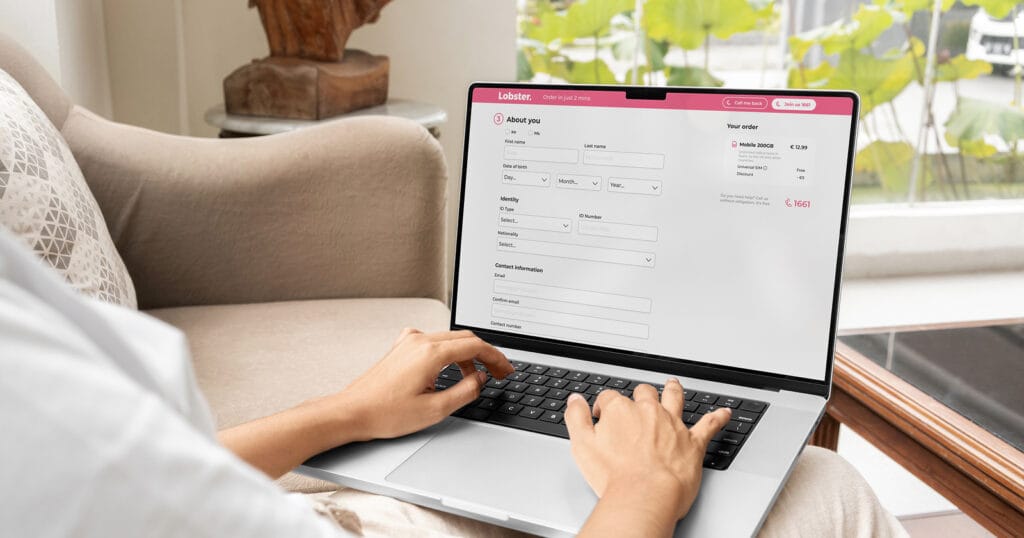
Step 2: Your personal details and address
The Lobster SIM sign-up process is super easy: you can do it online on the website, or you can ring us free of charge on 1661. If you’d rather chat in person, pop into one of our friendly sales points. Not sure where your nearest one is? Check out the store finder on the website.
To join Lobster, you need to give your name, date of birth, ID number and email address. And specify your full address for delivery of your new Lobster SIM card.
Here’s the sequence:
- Personal details required by law.
- Contact information
- Your passport or other official photo ID. Once the process is complete, you will need to submit a photo of your ID document via the confirmation page or by email.
- Your address (for shipping the SIM and billing)
Make sure that the details you give when signing up with Lobster are identical to those on your ID (name, passport/national ID number, etc.). If you’re requesting portability of an existing Spanish number, it’s important that the details you give when signing up with Lobster coincide with those you gave to your current provider.
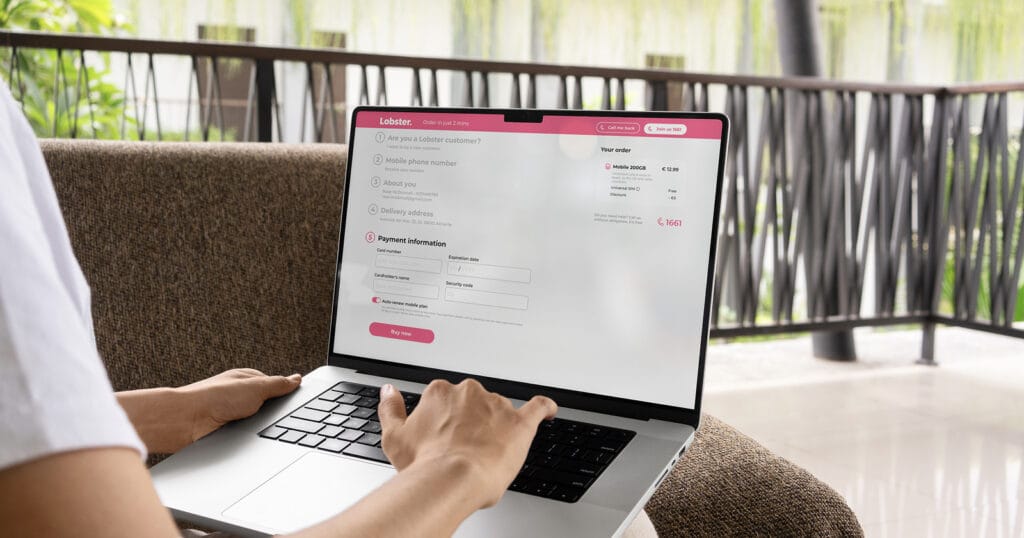
Step 3: Payment information
Next, you need to give your card details. It can be a debit or credit card, and it doesn’t have to be from a Spanish bank. American Express isn’t accepted.
Sign-up process almost finished
The last part of the process is to provide a photo of your ID, which you can submit via the Thank you page or by email (delivery@lobster.es). You’ll have to identify yourself with this ID when your new Lobster SIM is delivered.
Receiving and activating your Lobster SIM
Your Lobster SIM will be delivered by Correos (the Spanish postal service) by registered post. As mentioned above, you’ll need to prove your identity to Correos staff by showing the ID you used when you signed up.
Activating your physical SIM
Your Lobster SIM will be delivered by Correos (the Spanish postal service) by registered post. As mentioned above, you’ll need to prove your identity to Correos staff by showing the ID you used when you signed up.
Once you have your new SIM, go to www.lobster.es/go and follow the instructions to activate it.
Alternatively, call 1661 (Monday to Saturday, 9:00 AM to 9:00 PM; Canaries, 8:00 AM to 8:00 PM) and one of their friendly English-speaking customer service agents will talk you through the process.
Installing and activating your eSIM
Once Lobster has verified your photo ID, you’ll receive your eSIM installation details by email. Connect your compatible phone to the internet, then follow the instructions to scan the QR code or use the installation link. Enter the confirmation code when prompted and complete the on-screen steps. There’s no physical card to insert. For device-specific guidance, follow the eSIM setup instructions for iPhone or Android.
If your Lobster line comes with a brand new Spanish number, you’ll be ready to go once you’ve completed the setup. Bringing an existing Spanish number to Lobster? Follow the transfer date confirmed by Lobster. Installing your eSIM or activating your physical SIM does not, by itself, mean that your number has already transferred.
Ready to go. Make your first call and enjoy using your new mobile data
Now your SIM is activated, you should check that your new Lobster plan is functioning smoothly. Make your first call and start using some of the heaps of mobile data included in your plan. Welcome to Lobster!
Need a hand? Get help in English
During the process of signing up with Lobster, there will be someone you can speak to in English and who’s ready to help if you have any questions or encounter any problems.
By phone. Call 1661, or 711 if you’re already a Lobster customer (or +34 711 000 711 if you’re phoning from outside Spain).
In one of our sales points. If you prefer to do the whole sign-up process in one of our sales points, our English-speaking staff will help you through each of the steps and activate your new SIM before you leave the store (check the list of stores on the website).
Ready to get started? Choose your Lobster mobile plan and take the first step towards getting connected.